How to Use the Online CIE: Practical Guide with NFC, PIN, and Common Issues
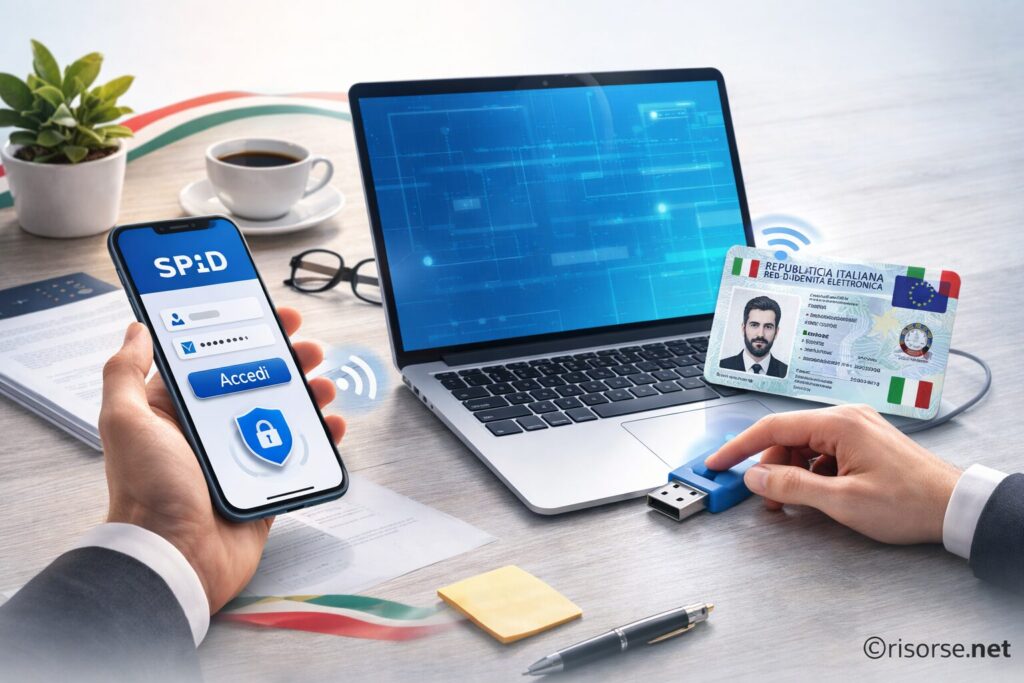
The Electronic Identity Card (CIE) is not just a physical document: it can also be used to access online services of the Public Administration. In this practical guide, we explain how to use the CIE online, how the PIN works, which devices are needed, how to activate the CIE ID app, and how to solve the most common issues with NFC and recognition.
The Electronic Identity Card (CIE) can be used not only as a physical identification document, but also as a digital identity tool to access online services of the Public Administration. In this guide, we will see how to use the CIE online step by step, what tools are needed, and what to do if something doesn’t work.
CIE and digital identity: what to know before starting
The CIE is one of the two main digital identity tools in Italy, along with SPID. If you want to understand the differences between the two systems, you can read the complete comparison: SPID or CIE: which to choose and when it really makes sense.
The PIN (provided in two parts at the time of issuance)
A smartphone with NFC technology or an NFC reader for PC
The official CIE ID app
How to use the CIE online with a smartphone
1. Download the CIE ID app
The app is available for Android and iOS. It allows the use of the card via NFC.
2. Activate NFC on the phone
Check in the settings that the NFC function is enabled.
3. Enter the PIN
During the first access, you will need to enter the complete PIN.
4. Bring the CIE close to the phone
Place the card on the back of the device until the reading is completed.
How to use the CIE online from a computer
If you use a PC, you need a compatible NFC reader. After installing the necessary software, you will be able to authenticate on portals that support access via CIE.
Common problems with the CIE online
The card is not read
Make sure that NFC is active and that the card is properly placed on the sensor.
Wrong PIN
After several incorrect attempts, the card may become blocked. In this case, it is necessary to follow the recovery procedure.
Incompatible smartphone
Not all devices support NFC. Check the technical specifications of your model.
When it is worth using the CIE instead of SPID
The CIE is useful if you prefer a system tied to a physical document and want to avoid managing additional credentials. However, for frequent access, many users find SPID more convenient.
CIE and other digital tools
Remember that the CIE is used to identify yourself online, but it does not replace:
Per fornire le migliori esperienze, utilizziamo tecnologie come i cookie per memorizzare e/o accedere alle informazioni del dispositivo. Il consenso a queste tecnologie ci permetterà di elaborare dati come il comportamento di navigazione o ID unici su questo sito. Non acconsentire o ritirare il consenso può influire negativamente su alcune caratteristiche e funzioni.
Funzionale
Always active
L'archiviazione tecnica o l'accesso sono strettamente necessari al fine legittimo di consentire l'uso di un servizio specifico esplicitamente richiesto dall'abbonato o dall'utente, o al solo scopo di effettuare la trasmissione di una comunicazione su una rete di comunicazione elettronica.
Preferenze
L'archiviazione tecnica o l'accesso sono necessari per lo scopo legittimo di memorizzare le preferenze che non sono richieste dall'abbonato o dall'utente.
Statistiche
L'archiviazione tecnica o l'accesso che viene utilizzato esclusivamente per scopi statistici.L'archiviazione tecnica o l'accesso che viene utilizzato esclusivamente per scopi statistici anonimi. Senza un mandato di comparizione, una conformità volontaria da parte del vostro Fornitore di Servizi Internet, o ulteriori registrazioni da parte di terzi, le informazioni memorizzate o recuperate per questo scopo da sole non possono di solito essere utilizzate per l'identificazione.
Marketing
L'archiviazione tecnica o l'accesso sono necessari per creare profili di utenti per inviare pubblicità, o per tracciare l'utente su un sito web o su diversi siti web per scopi di marketing simili.